
AyMON
Get Started
Five minutes
Run an example before you read anything
The AyMON repository holds the engine for Windows and Linux and more than twenty runnable projects. Every one starts with a single command and needs no licence, no hardware and no database unless its own README says otherwise — each example brings the simulated machine it talks to.
Windows
cd PRJEDU_101
run.bat
Linux
cd PRJEDU_101
./run.sh
The run script finds the engine in bin, hands it the education licence, and starts it.
Stop it with CTRL-C; everything the engine did is in the project’s log directory and on the console.
The public repository opens soon
The public repository is being prepared and opens soon. To hear when it does, write to support@aymon.ca.
The examples
Learn by running something real
First steps
PRJEDU_101: timers, scripts, a calculated value and an alarm.
Modbus, MQTT, OPC UA, SNMP
Both ends of each protocol on one machine — no hardware.
History in SQL
SQLite out of the box; SQL Server or PostgreSQL by a connection string.
Live web pages
HTTP, REST and MQTT over WebSocket, plain and over TLS.
Replication and cluster
Two engines, one plant; kill the master and the spare carries on.
A camera on a filling line
Bottles inspected inside the engine, about 500 frames a second.
PLC, PID and OEE
A step sequence with interlocks, a PID lab, OEE shift by shift.
An AI assistant on a plant
The assistant reads the plant over MCP and may change one value.
For fun
Fly a drone from a web page, plot the aircraft overhead, use your phone as a sensor.
Screens
What the examples look like
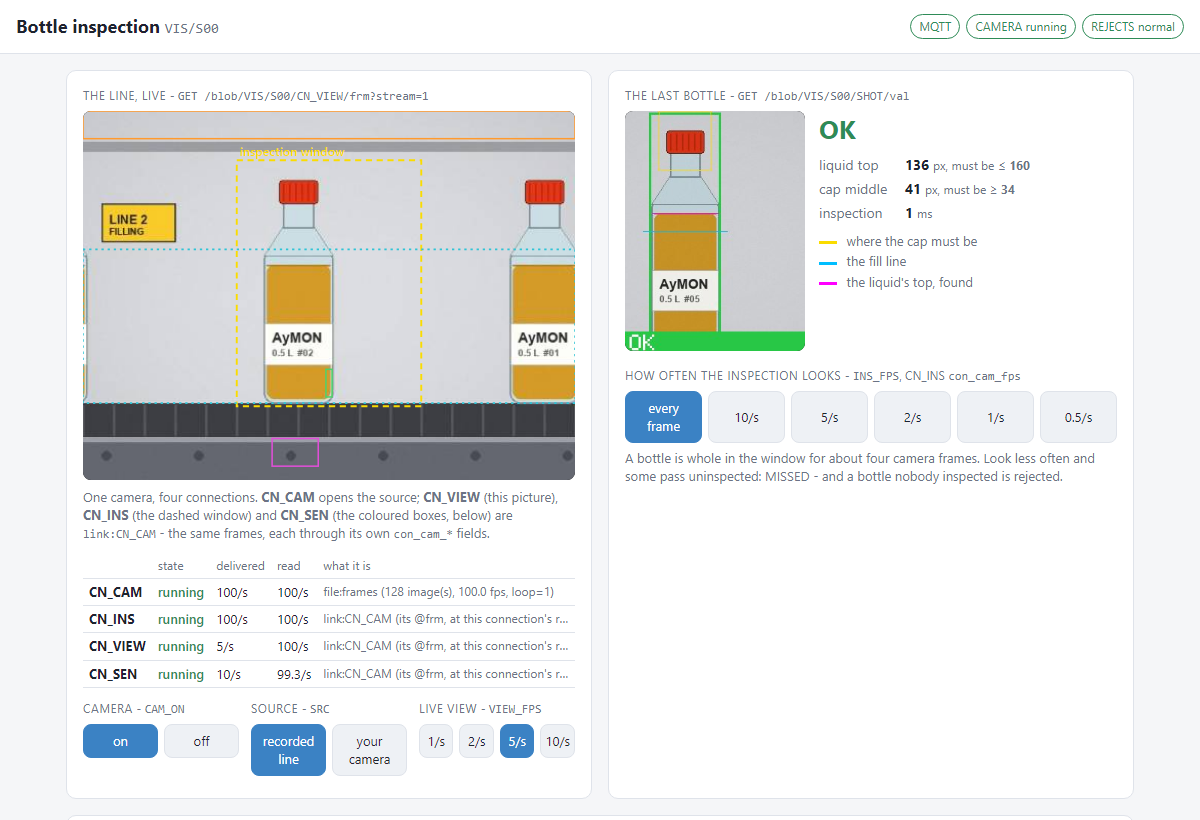
PRJEDU_vision — a camera inspects bottles on a filling line inside the engine: 100 frames a second, every bottle judged, no script for the watching.
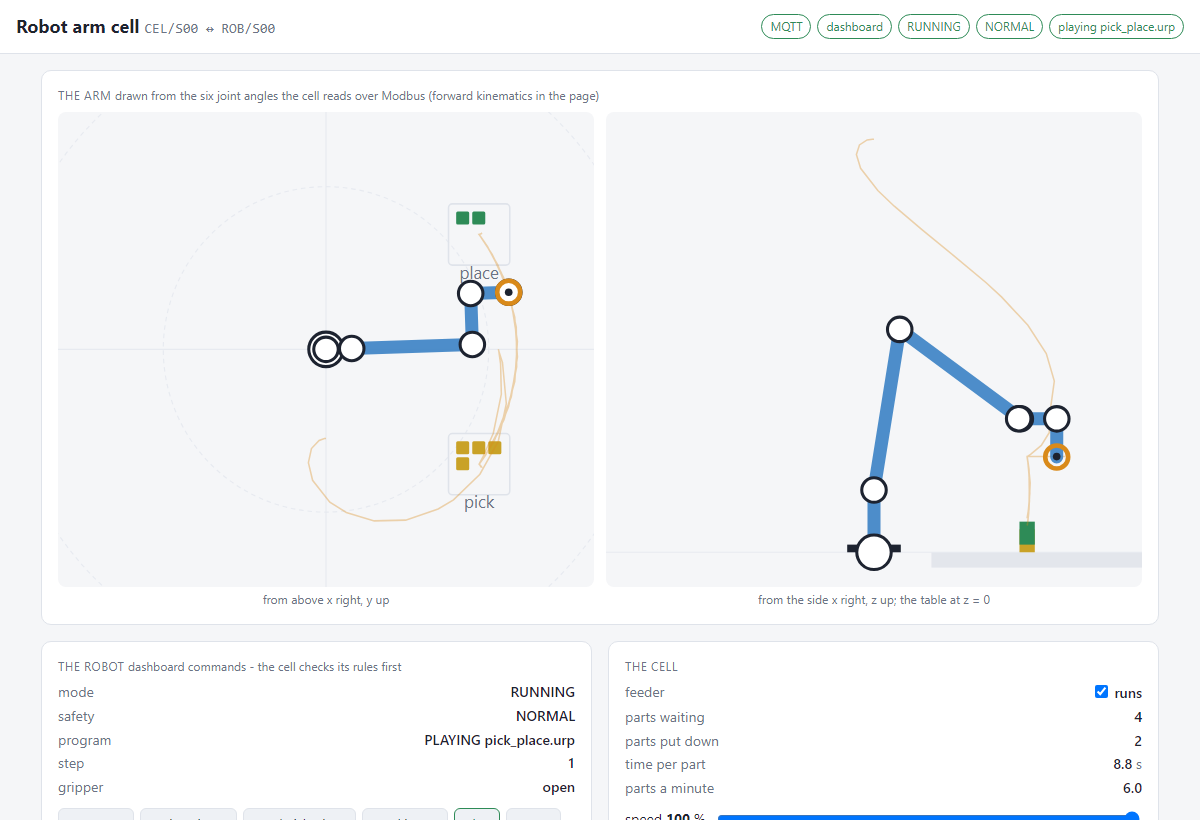
PRJEDU_robotarm — a six-axis cobot and the cell around it, over its dashboard and Modbus; the cell checks its own rules before every command.
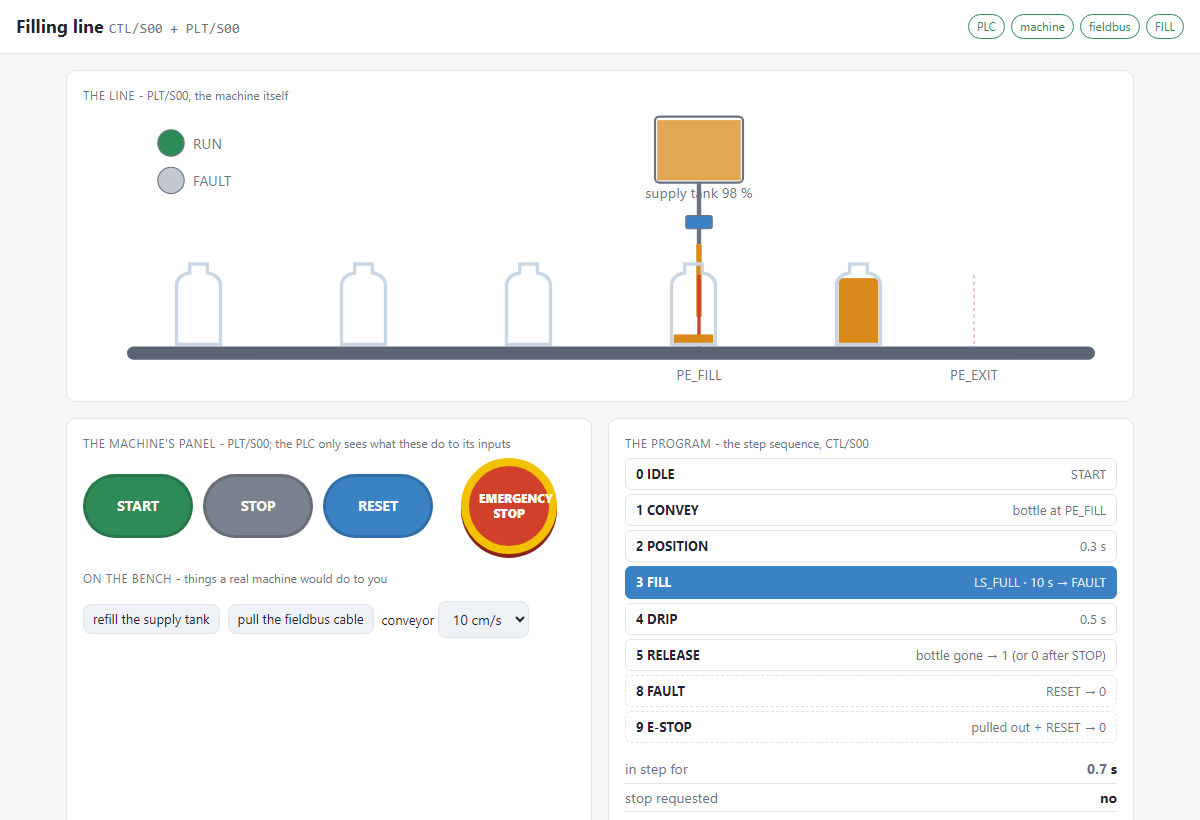
PRJEDU_plc — a PLC program for a filling line: remote I/O over Modbus, a step sequence, interlocks and an HMI.
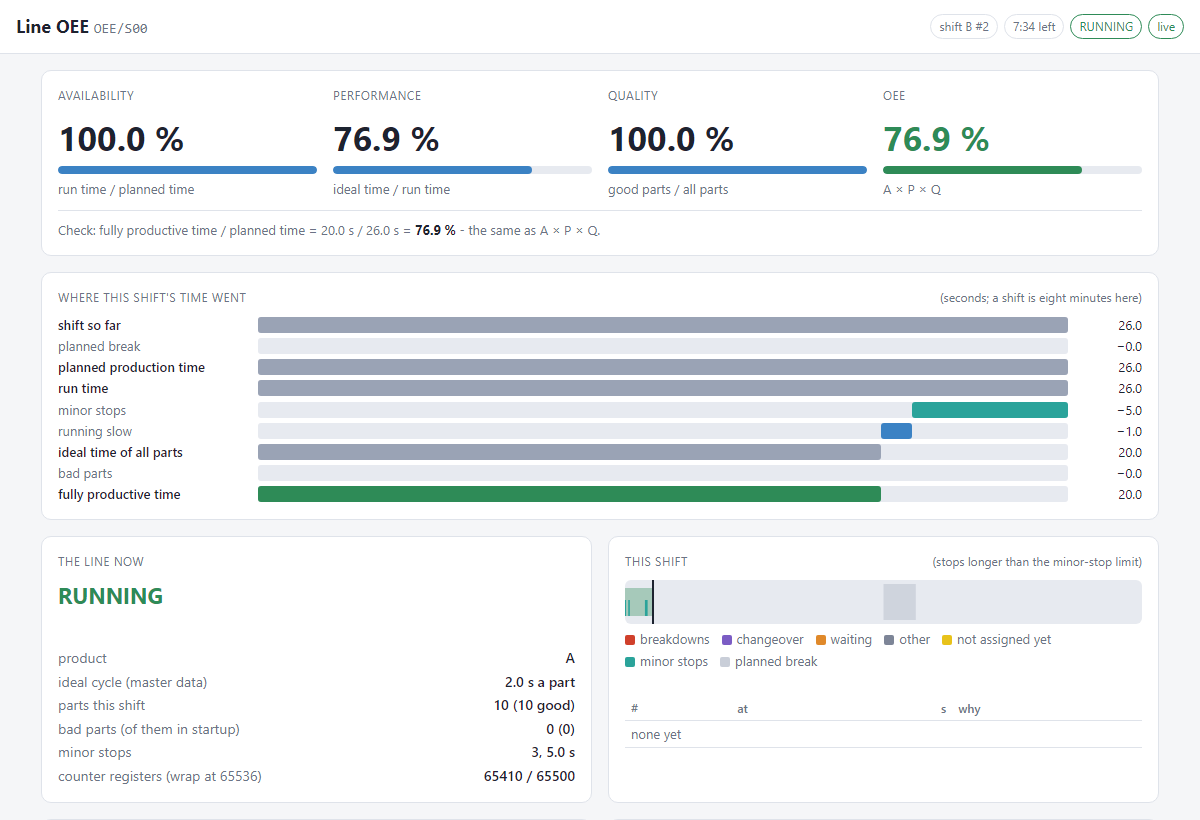
PRJEDU_oee — OEE of a production line shift by shift: availability, performance, quality, losses and a shift report in SQLite.
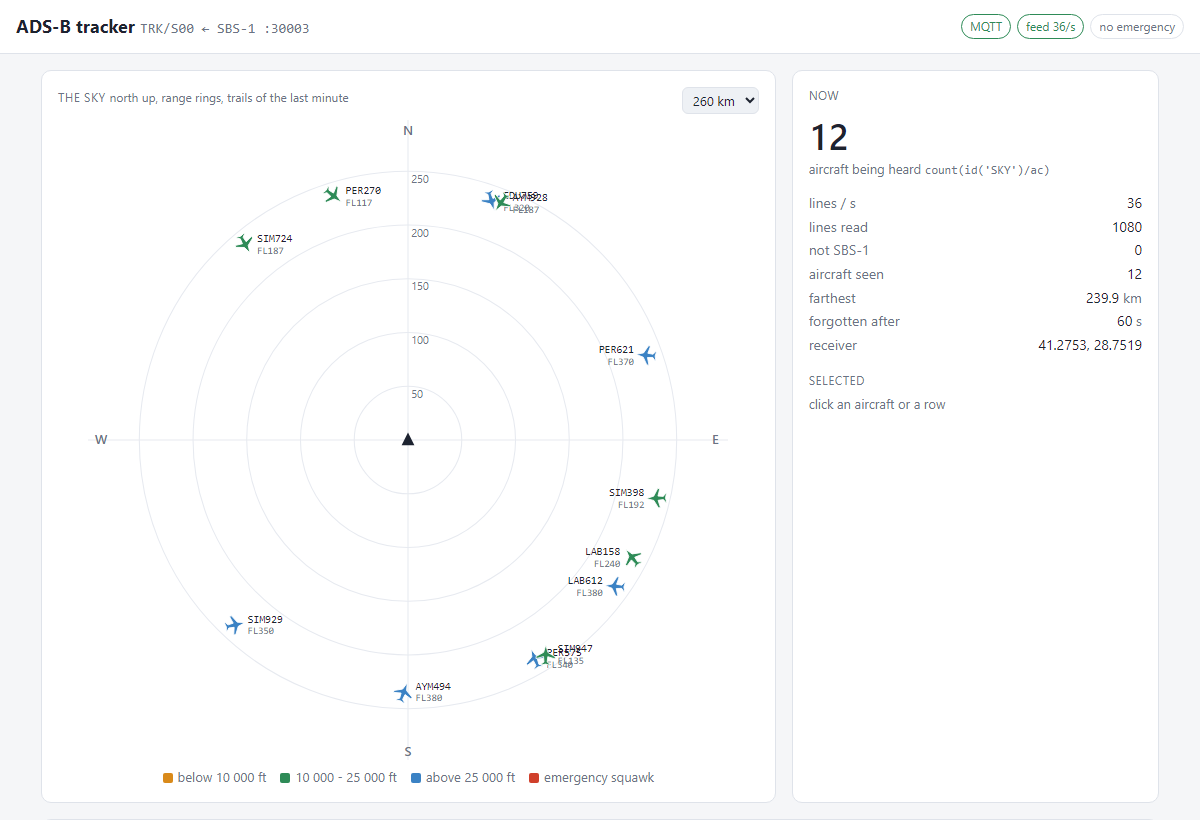
PRJPER_adsb — the aircraft overhead from an ADS-B receiver’s stream, with an emergency squawk raised as an alarm.
What you need
Requirements
Windows
Windows x64, desktop or server. Nothing to install.
Linux
x86-64 with glibc 2.34+ and OpenSSL 3: Ubuntu 22.04+, Debian 12+, RHEL 9, WSL.
Optional
Python 3.11 only for the Python examples; a database server only if you choose one.
Stuck, or found a bug?
Questions go to the repository’s Discussions, bugs to its issue tracker; the guides answer most first questions.